Diagram template
Checklist
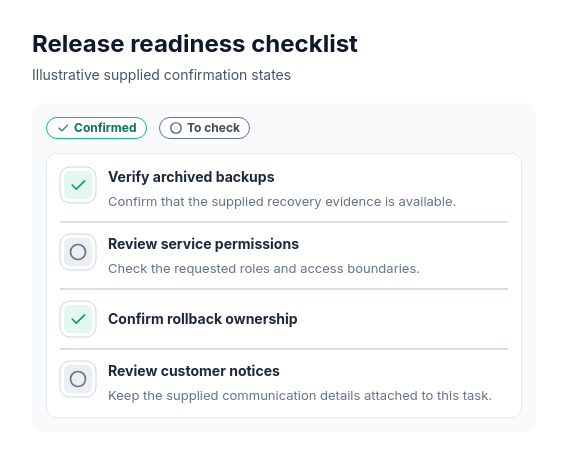
ProThree to ten titled tasks with explicitly supplied confirmation states, independently optional details and optional contiguous sections in one measured card.
Categories
Included in
Pro, Power, Max
When to use it
Use for tasks to check or confirm. A check marks explicitly confirmed completion; an empty circle identifies a task still to check. Preserve supplied task order and section membership. Use a process diagram when sequence conveys dependencies.
Adjust after generating
Change the style, colors, and font, and these options, as often as you like without spending credits.
- Card shape
- Card fill
- Card border
- Card shadow
- Typography
- Icon shape
- Icon size
- Icon fill
- Icon shell
- Spacing
- Alignment
- Material
- Connectors
- Line weight
What you fill in
Describe your topic in plain words and the AI fills these in. You can edit every field afterwards.
- Tasks
- 3 to 10, each with title, checked, optional description, and optional section
Related templates
All list templates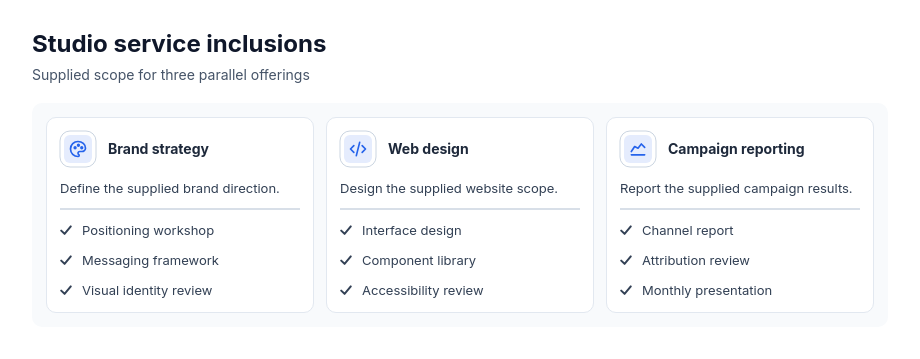 Cards: service icon headersParallel services, offerings, practice areas or modules with explicit included points.
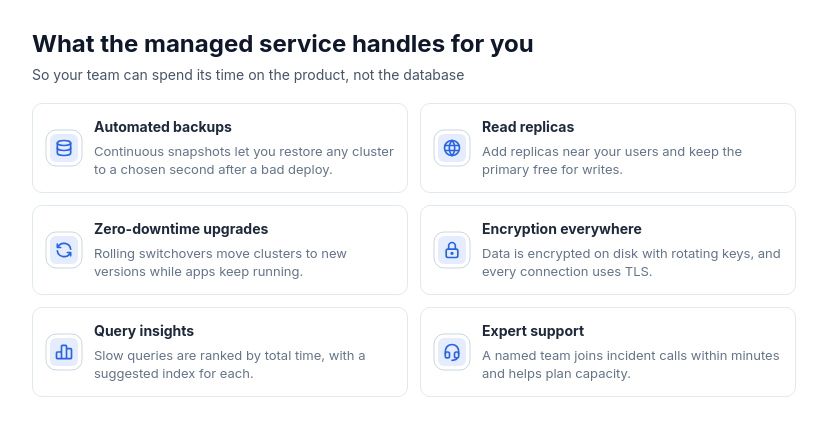 Cards: wide rowsTwo to eight parallel features, benefits, services, use cases, or principles that each need a sentence or two of explanation.
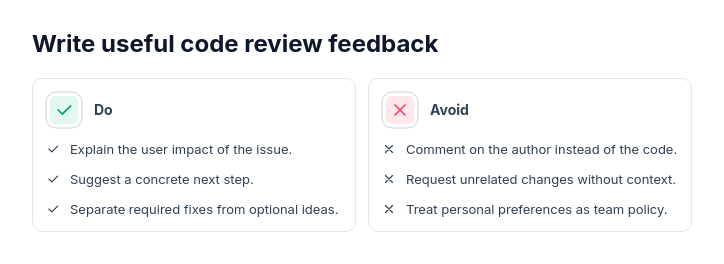 Do and don'tPrescriptive guidance with 2–6 actions per side.
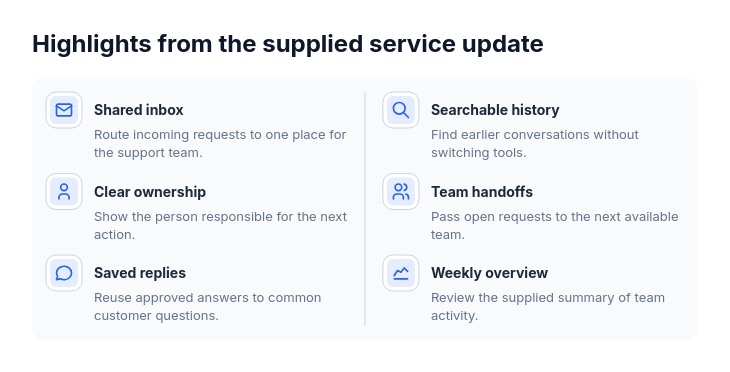 Key points4–12 equal-weight points.
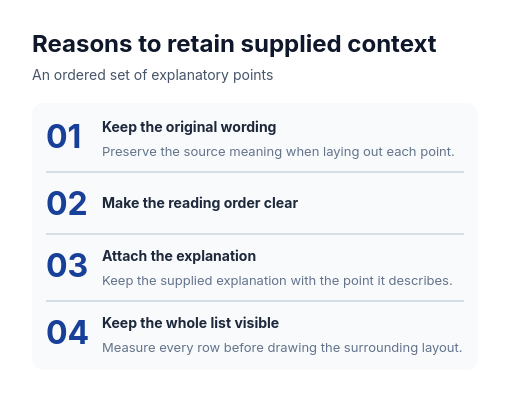 Numbered listAn ordered set of reasons, principles, tips or takeaways.
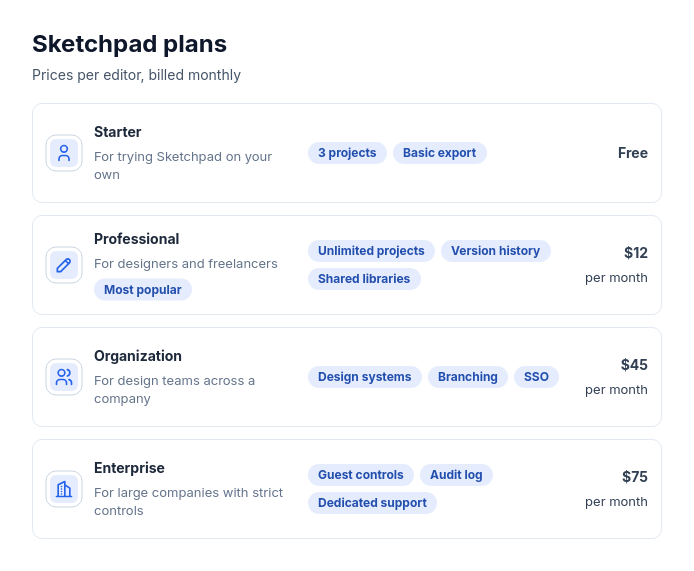 Pricing: stacked rowsTwo to five plans, memberships, or packages with a price (or none), who each is for, and a few short key features, and optionally one recommended plan.