Number line maker
Set the minimum, maximum, and step, then mark points or intervals. Print a blank worksheet, or download an SVG or PNG. Free, with no account.
Use -5, 0.25, 3/4, or -1 1/2. A hyphen or the minus sign − both work. Ticks start at the minimum. The maximum is a tick only when a step lands on it.
11 ticks
Auto shows an exact decimal when the value terminates, and a reduced fraction otherwise. Decimal labels that do not terminate are rounded to 6 places.
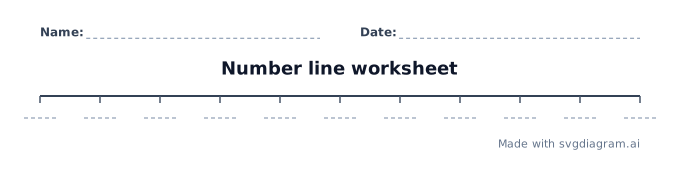
Blank number line worksheets
Print a blank number line for classwork. Name and date lines are included. The ticks have writing lines, not answers. Printing saves directly to PDF.
Number line examples
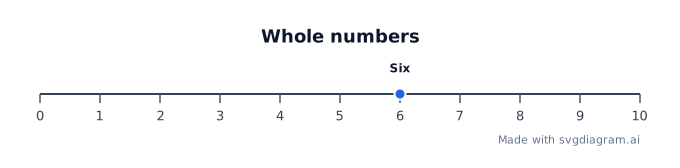
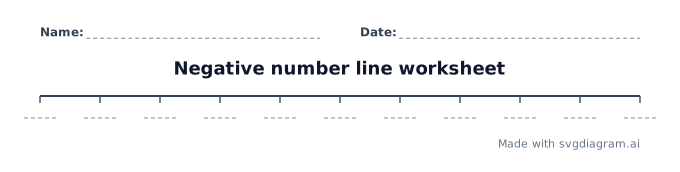
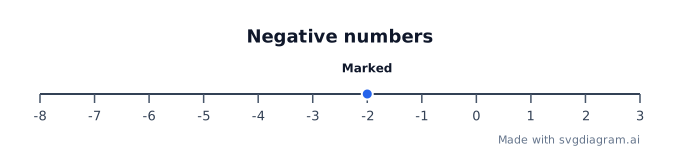
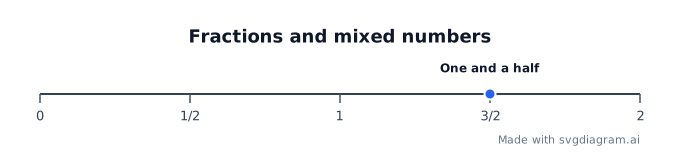
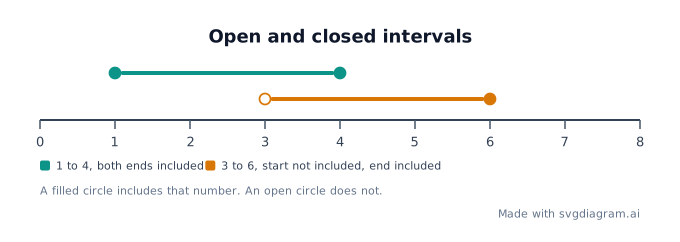
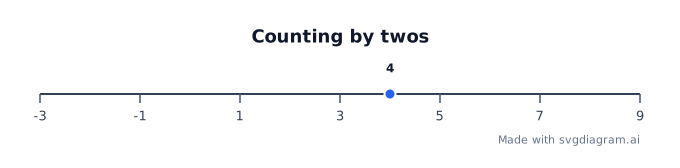
Open whole numbers, negatives, fractions, intervals, or a count by twos.
How to read a number line
What a number line shows
A number line puts numbers in order on a straight line. Values get larger to the right and smaller to the left. Ticks are equally spaced. Each step is the same size, starting at the minimum.
The line ends at the maximum. That end is a tick only when a step lands on it. The maker does not add an extra tick to force the maximum onto the lattice.
Fractions, negatives, and mixed numbers
A fraction is a number on the line, not only a piece of a shape. Common Core 3.NF.A.2 asks students to show fractions on a number line. Negatives sit left of zero. Common Core 6.NS.C.6 treats a rational number as a point on the line.
Type an integer, a decimal, a fraction such as -3/4, or a mixed number such as -1 1/2. A hyphen and the minus sign − both work. Expressions such as 1+2 are rejected.
Auto labels show an exact decimal when the value terminates, such as 1/4 as 0.25, and a reduced fraction otherwise. Choose Fraction to keep halves and fourths as fractions. Decimal labels that do not terminate, such as 1/3, are rounded to 6 places, and the diagram says so.
Points and intervals
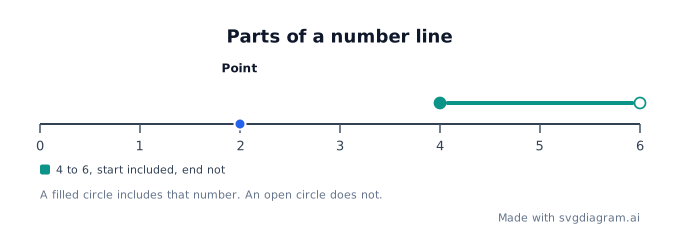
A point is a dot at a value. It does not have to land on a tick, and the maker does not move it onto one. A name is optional. If you leave the name blank and the point is already on a labeled tick, the tick label is enough.
An interval is a segment between two values. A filled circle includes that end. An open circle leaves it out. OpenStax Elementary Algebra 2e, section 2.7 graphs inequalities the same way, and writes a bracket for an included end and a parenthesis for an open end. Overlapping intervals are stacked so both ends stay visible. The caption states each range.
How to use the maker
- Set the minimum, maximum, and step. Ticks start at the minimum and repeat by the step.
- Choose auto, decimal, or fraction labels.
- Add a point or an interval only when you want one marked. Remove a row to clear it.
- Switch on worksheet mode to hide the numbers and print writing lines, or open a blank worksheet below.
- Download SVG for a sharp print, or PNG to paste into a document.
A range can have at most 101 ticks, 12 points, and 4 intervals. If every tick label cannot fit, the diagram labels every nth tick and says so. Unlabeled ticks are still drawn, one step apart. A very short interval on a long line can crowd its endpoint marks; the caption still states both ends.
Print a blank number line
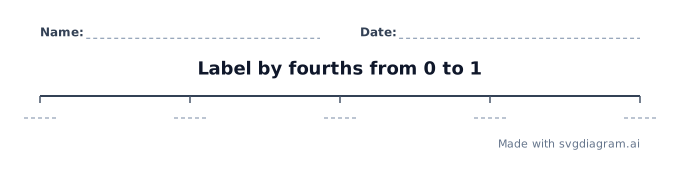
Blank worksheets keep the line, the ticks, name and date lines, and writing guides. They do not include the numbers, marked points, or intervals. A title such as "Label by fourths from 0 to 1" is the assignment, not the filled answers.
A worksheet needs the maximum to land on a tick, so every writing line matches a step.
Put a number line in a document
Copy the image and paste it into Google Docs, Slides, Word, or PowerPoint. Use the SVG download when the document should stay sharp at any size. The credit line stays on the diagram, including worksheets.
Explore other diagram types
Templates for each type, filled in from a description of your content.