T-chart maker
Sort two sides of a comparison into a T-chart. Add or remove rows, print a blank worksheet, or download an SVG or PNG. Free, with no account.
Blank T-chart worksheets
Print a blank T-chart for classwork. Name and date lines are included. Printing saves directly to PDF.
T-chart examples
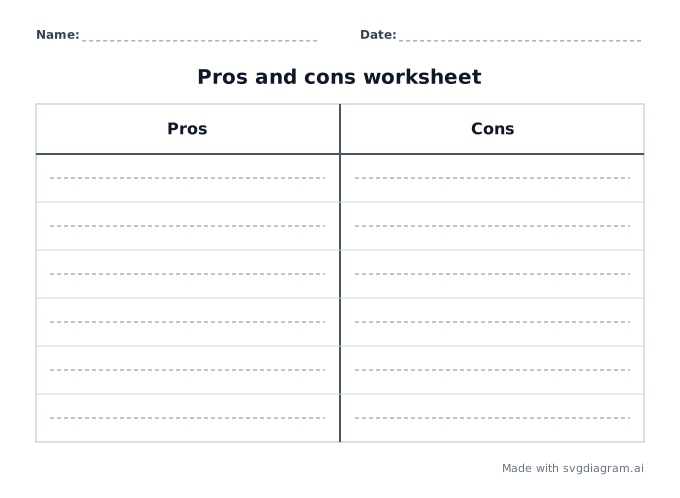
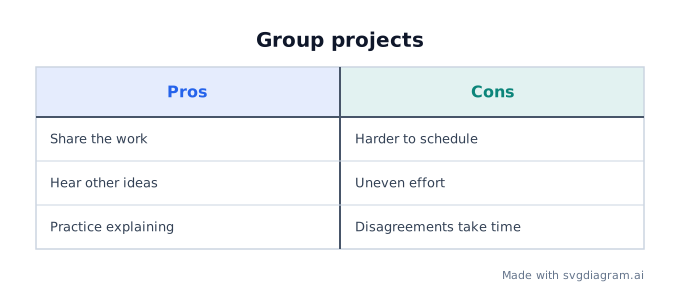
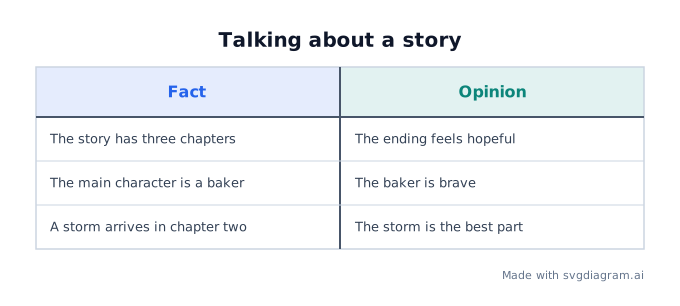
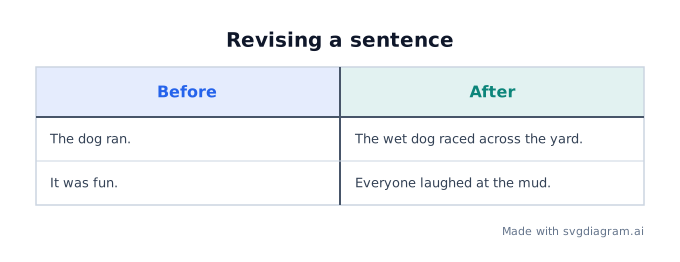
Open a comparison, a pros and cons list, facts and opinions, or a before and after revision.
How to use a T-chart
What a T-chart shows
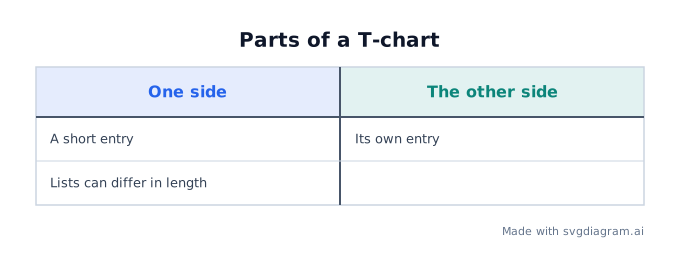
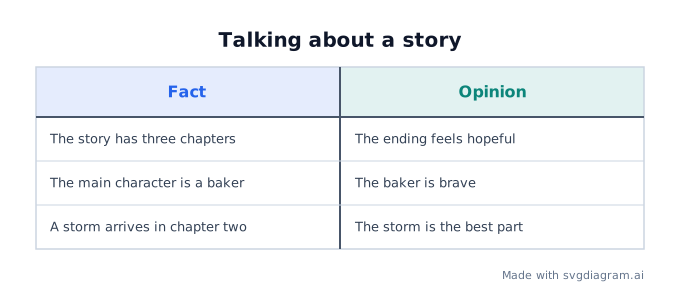
A T-chart is two lists under one horizontal line, split by a vertical line. The shape is a T: headings sit on the bar, and entries hang on either side of the stem.
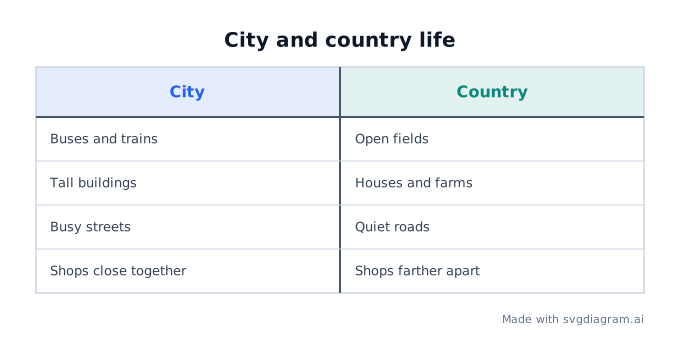
Use it when a comparison has two sides and the entries do not need to be matched pairs. A city can have four notes while the country side has three. Empty cells are fine.
When a T-chart helps
- Compare and contrast. Two places, characters, or processes, each with its own short notes.
- Pros and cons. Reasons for a choice on the left, reasons against it on the right.
- Fact and opinion. What the text states, next to what a reader thinks about it.
- Before and after. A draft sentence beside a revised one.
These are classroom organizers, not researched findings. The sample entries are practice wording.
How to use the maker
- Name the two headings. "City" and "Country" are clearer than "A" and "B".
- Add a row for each note. A row can have one side filled and the other blank.
- Keep entries short. A wrapped sentence still belongs in its cell; a single enormous word does not fit.
- Switch on worksheet mode to hide the entries and print writing lines, or open a blank worksheet below.
- Download SVG for a sharp print, or PNG to paste into a document.
Rows line up so the two sides can be read together. That alignment does not mean the left note explains the right note. Write matched pairs only when you mean them to match.
Print a blank T-chart
Blank worksheets keep the T, the name and date lines, and writing guides. They do not include sample answers. A pros and cons worksheet keeps those headings so the class knows which side is which. A fully blank chart leaves the headings for the student to write.
Put a T-chart in a document
Copy the image and paste it into Google Docs, Slides, Word, or PowerPoint. Use the SVG download when the document should stay sharp at any size.
Explore other diagram types
Templates for each type, filled in from a description of your content.