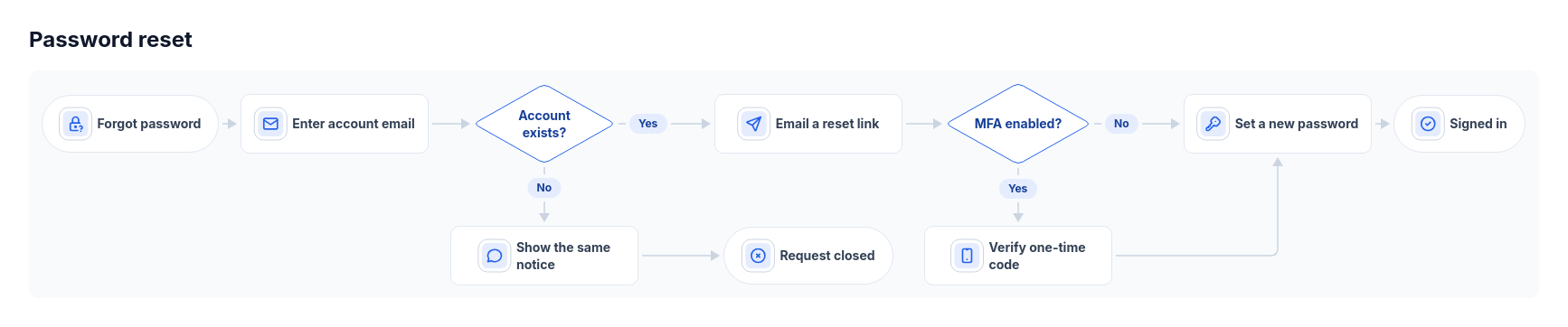
Diagram template
Flowchart: horizontal icon steps
A forward main path with icon steps, capsule endpoints and one or two decision diamonds; labeled side branches rejoin later or end separately.
Categories
Included in
Free, Pro, Power, Max
When to use it
Use for a forward process with one or two binary decisions and short side branches. The first listed decision edge continues the main path. Branches may rejoin later or terminate separately; overlapping spans use opposite sides. Not for loops, parallel work, swimlanes, or arbitrary networks.
Adjust after generating
Change the style, colors, and font, and these options, as often as you like without spending credits.
- Card shape
- Card fill
- Color distribution
- Card border
- Card shadow
- Typography
- Icon shape
- Icon size
- Icon fill
- Icon shell
- Spacing
- Alignment
- Material
- Connectors
- Line weight
What you fill in
Describe your topic in plain words and the AI fills these in. You can edit every field afterwards.
- Nodes
- 4 to 10, each with id, label, kind, and optional icon
- Edges
- 3 to 11, each with from, to, and optional label
Related templates
All flowchart templates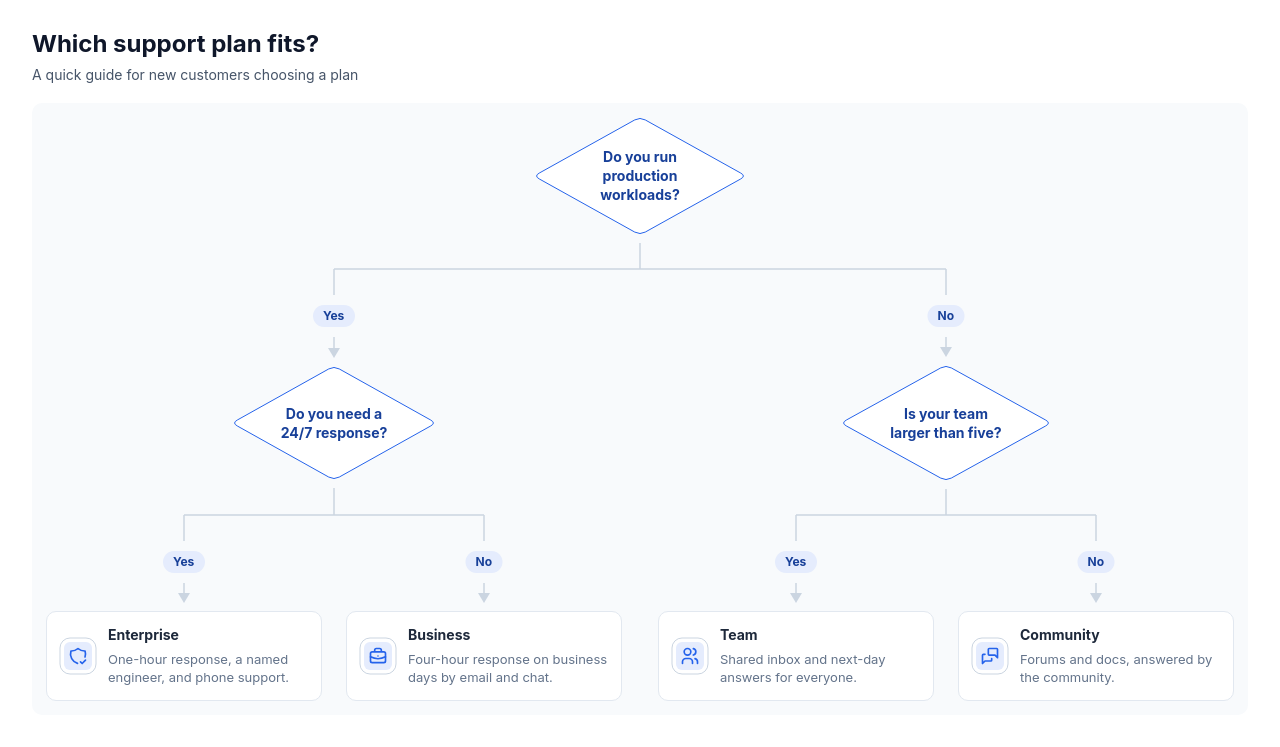 Decision treeOne to four questions with two or three answers each that lead to two to six outcomes over up to four levels, such as choosing a plan, approving a request, triaging a ticket, or picking a tool.
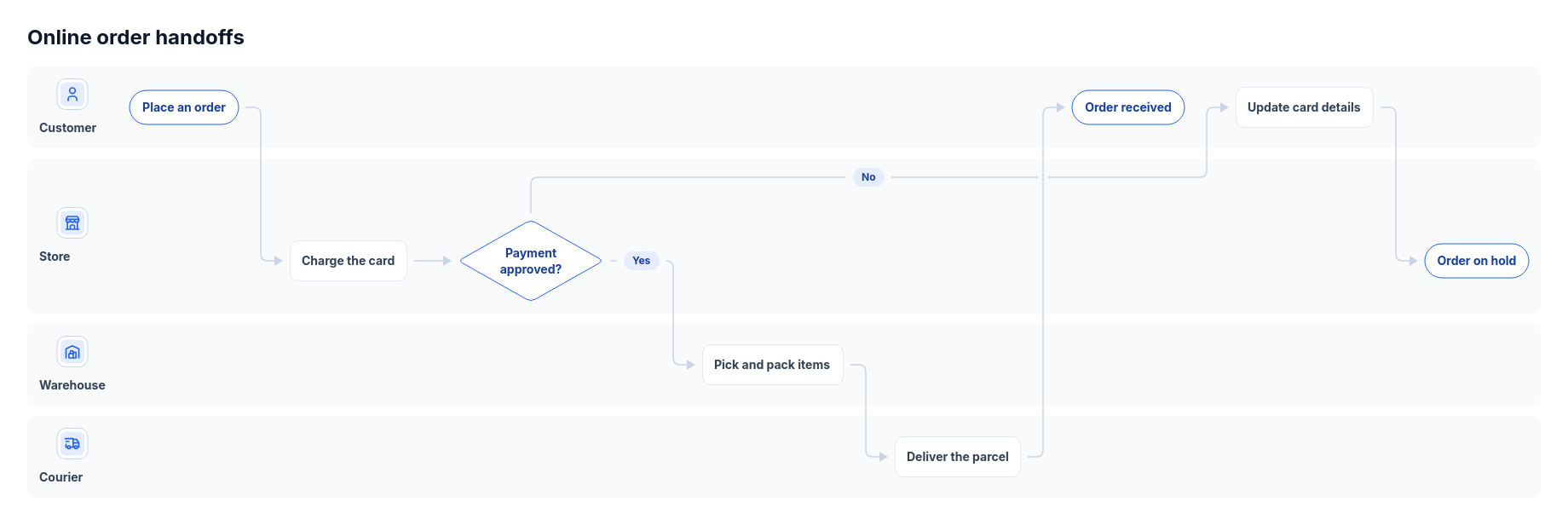 Flowchart: swimlanesA forward process handed between two to four people, teams or systems, with three to ten steps and up to two decisions.
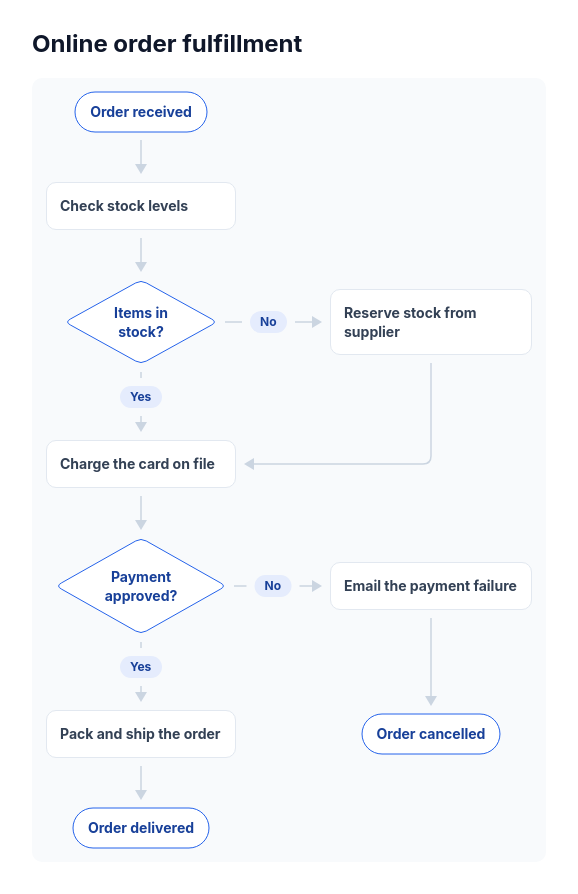 Flowchart: top-downA forward-moving process of four to twelve steps with one to three yes/no decisions, such as an order approval, a support triage, a signup check, or a refund policy.
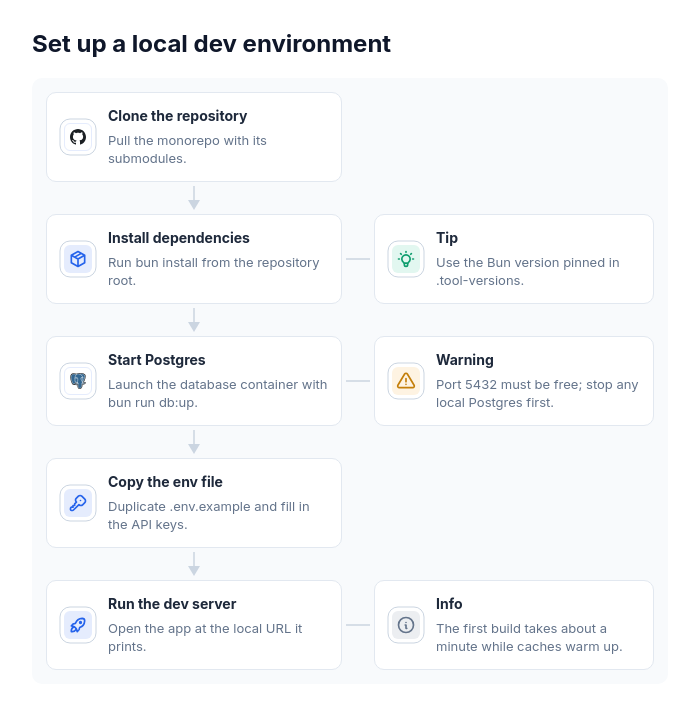 Flowchart: vertical chainOne straight sequence of three to eight steps where some steps need a side remark, such as a setup guide with tips, an onboarding flow with warnings, a data migration with caveats, or a release checklist with reminders.