Diagram template
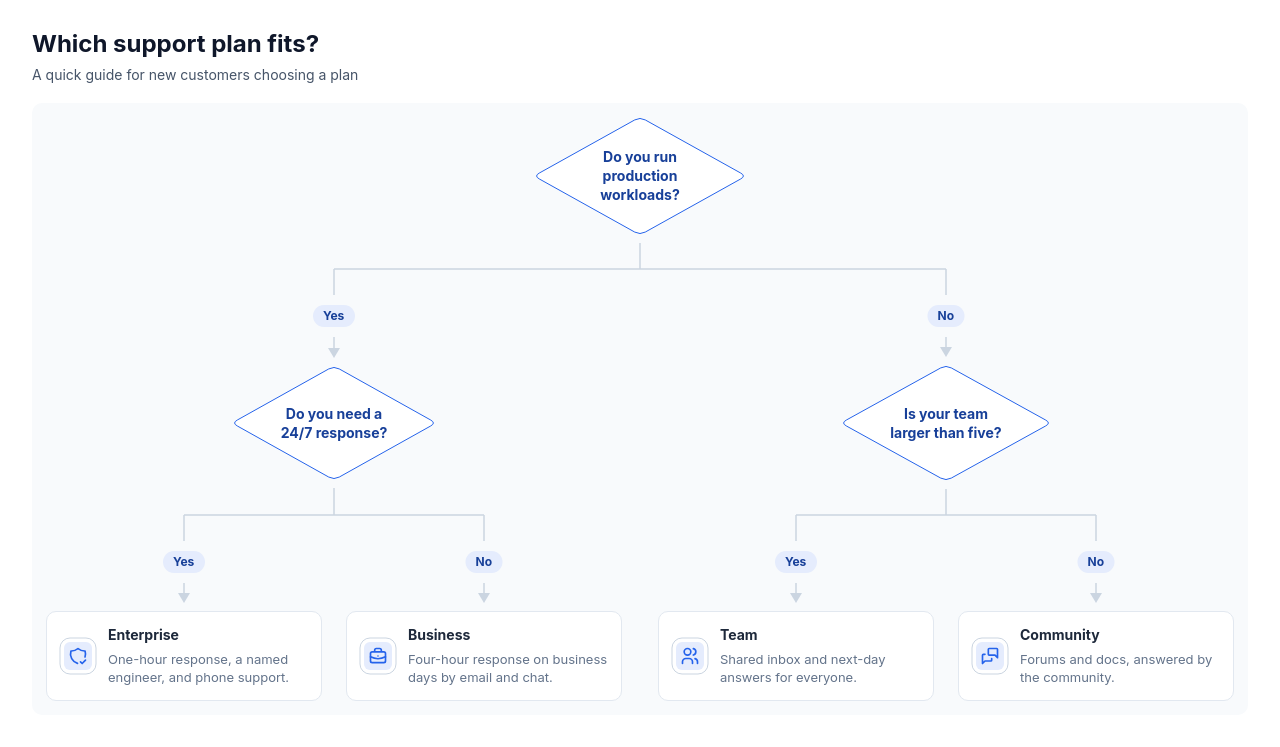
Decision tree
ProA top-down decision tree with measured question diamonds, answer pills on separate child drops, and outcome cards holding an icon, title, and optional description. A flat panel keeps the graph readable across supported materials and border choices.
Categories
Included in
Pro, Power, Max
When to use it
Use for one to four questions with two or three answers each that lead to two to six outcomes over up to four levels, such as choosing a plan, approving a request, triaging a ticket, or picking a tool. Not for linear processes, timelines, org charts, taxonomies, or comparison tables.
Adjust after generating
Change the style, colors, and font, and these options, as often as you like without spending credits.
- Card shape
- Card fill
- Color distribution
- Card border
- Card shadow
- Typography
- Icon shape
- Icon size
- Icon fill
- Icon shell
- Spacing
- Alignment
- Material
- Connectors
- Line weight
What you fill in
Describe your topic in plain words and the AI fills these in. You can edit every field afterwards.
- Nodes
- 3 to 10, each with id, optional parent, optional answer, kind, title, optional description, and optional icon
Related templates
All tree templates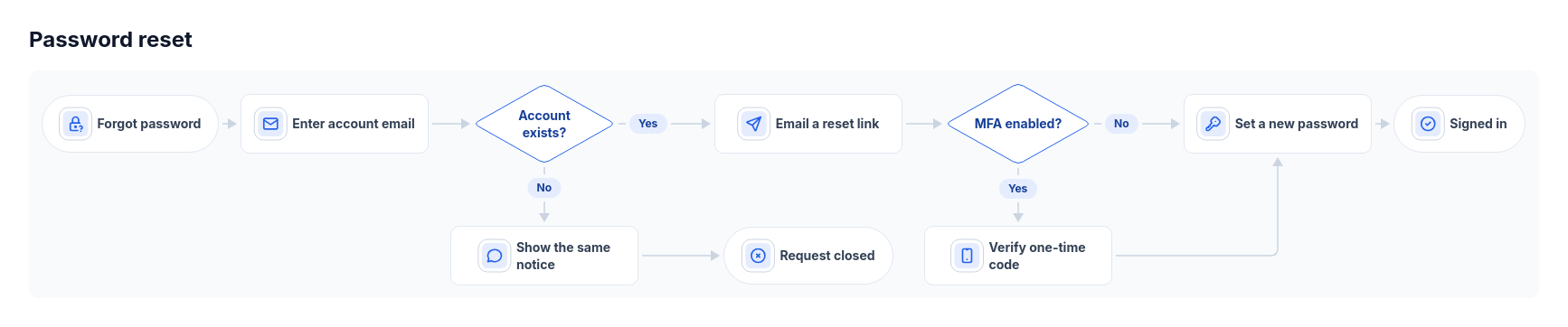 Flowchart: horizontal icon stepsA forward process with one or two binary decisions and short side branches.
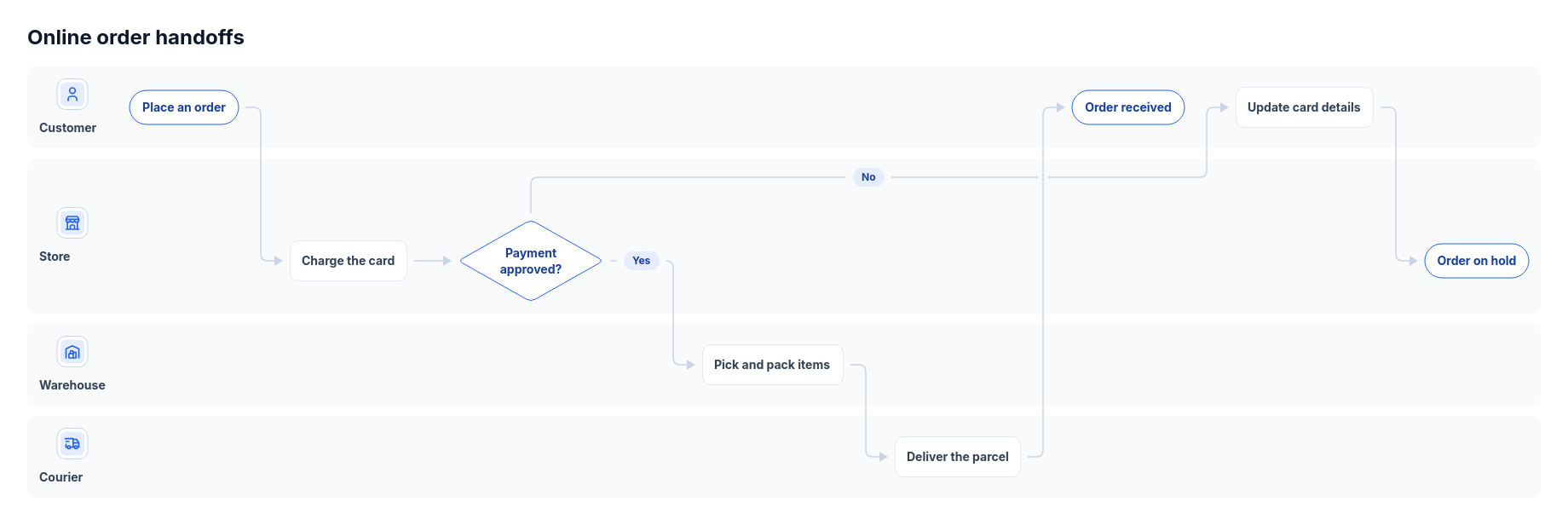 Flowchart: swimlanesA forward process handed between two to four people, teams or systems, with three to ten steps and up to two decisions.
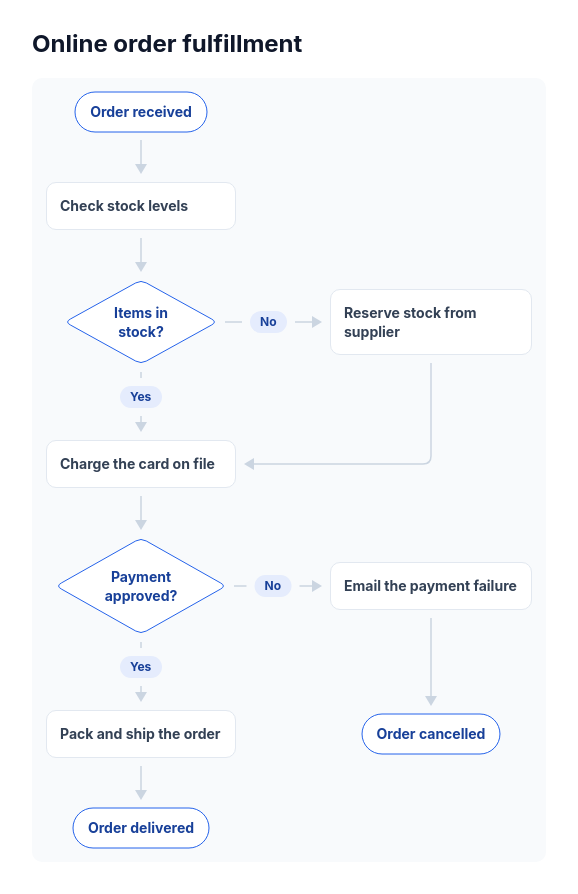 Flowchart: top-downA forward-moving process of four to twelve steps with one to three yes/no decisions, such as an order approval, a support triage, a signup check, or a refund policy.
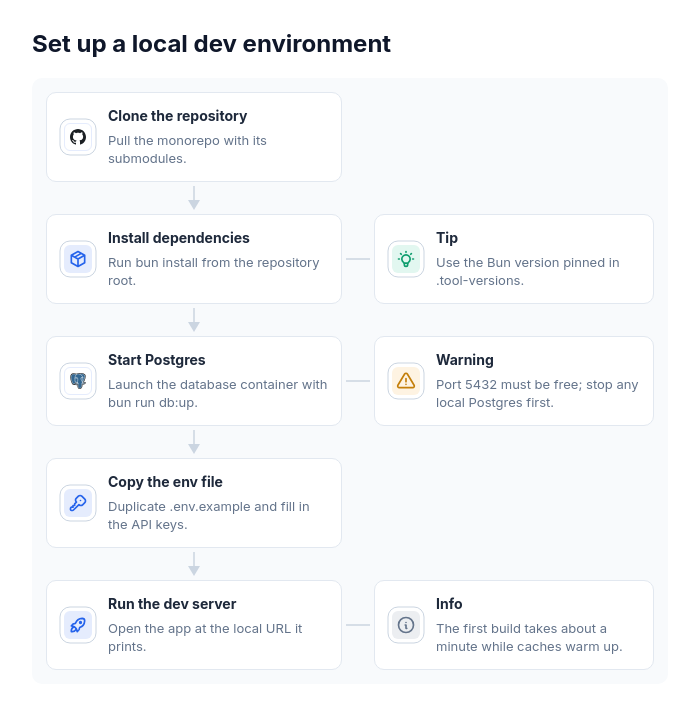 Flowchart: vertical chainOne straight sequence of three to eight steps where some steps need a side remark, such as a setup guide with tips, an onboarding flow with warnings, a data migration with caveats, or a release checklist with reminders.
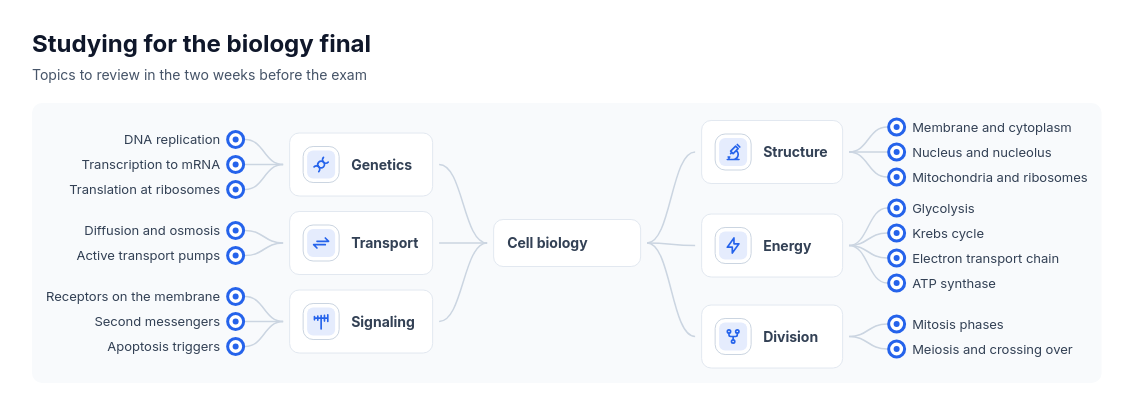 Mind mapOne topic broken into two to eight branches with up to five short sub-items each, such as a brainstorm, a study outline, a feature map, or the areas of a plan.
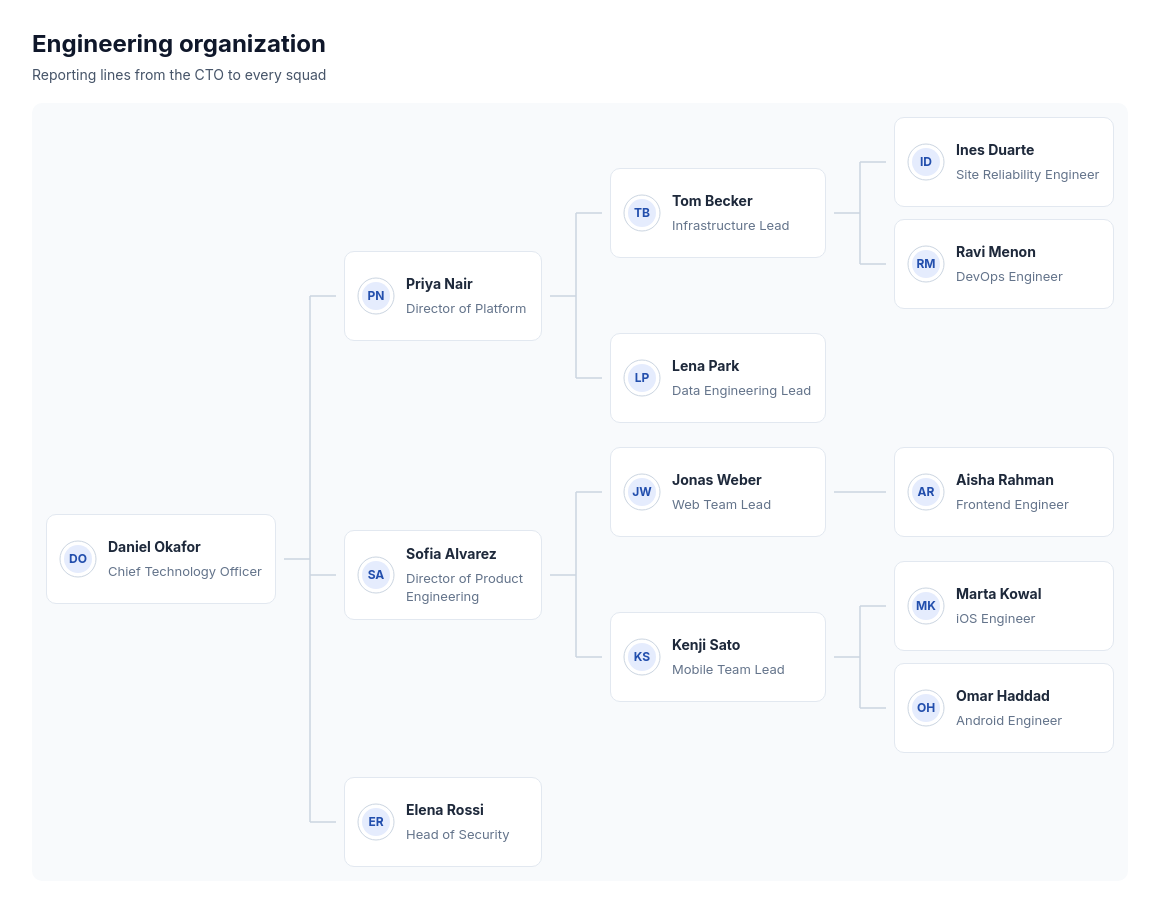 Org chart: left to rightA reporting hierarchy of three to twenty people over up to four levels, with at most six direct reports each, such as a company down to its team leads or a department down to individual contributors, with or without names.