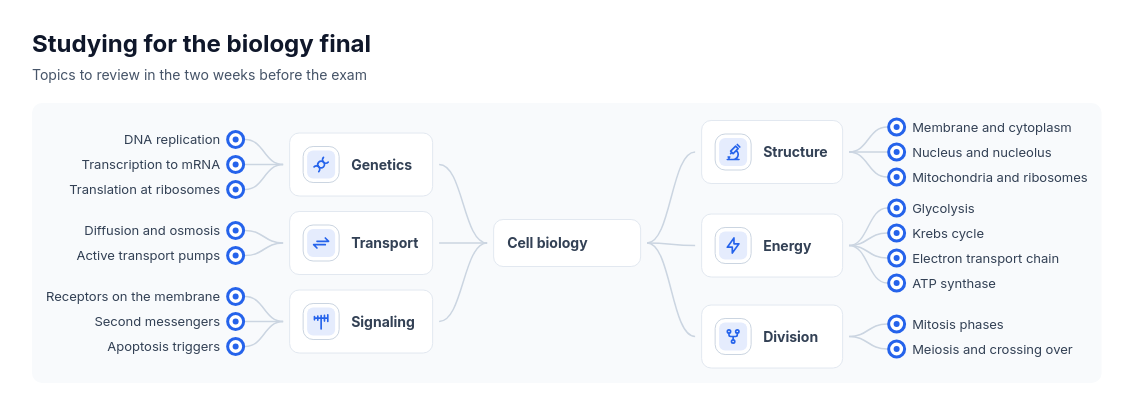
Diagram template
Mind map
PowerA central topic connects to icon-bearing branch cards on both sides. Each branch may connect to a measured stack of marked sub-items farther outward; curved links show association without direction or quantitative scale.
Categories
Included in
Power, Max
When to use it
Use for one topic broken into two to eight branches with up to five short sub-items each, such as a brainstorm, a study outline, a feature map, or the areas of a plan. Not for ordered processes, timelines, reporting hierarchies, comparison tables, or yes/no decisions.
Adjust after generating
Change the style, colors, and font, and these options, as often as you like without spending credits.
- Card shape
- Card fill
- Color distribution
- Card border
- Card shadow
- Typography
- Icon shape
- Icon size
- Icon fill
- Icon shell
- Spacing
- Alignment
- Material
- Connectors
- Line weight
- Sub-item markers
- Sub-item marker size
What you fill in
Describe your topic in plain words and the AI fills these in. You can edit every field afterwards.
- Topic
- Text
- Branches
- 2 to 8, each with label, icon, and optional points
Related templates
All mind map templates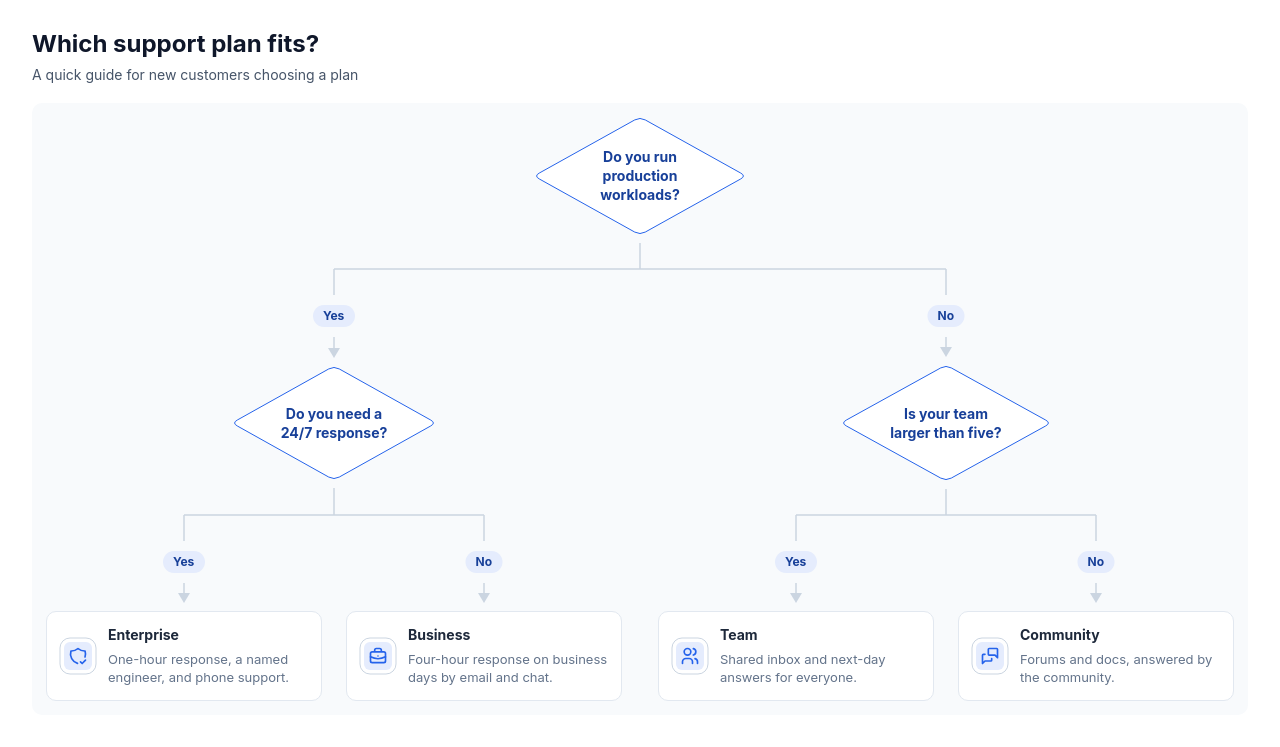 Decision treeOne to four questions with two or three answers each that lead to two to six outcomes over up to four levels, such as choosing a plan, approving a request, triaging a ticket, or picking a tool.
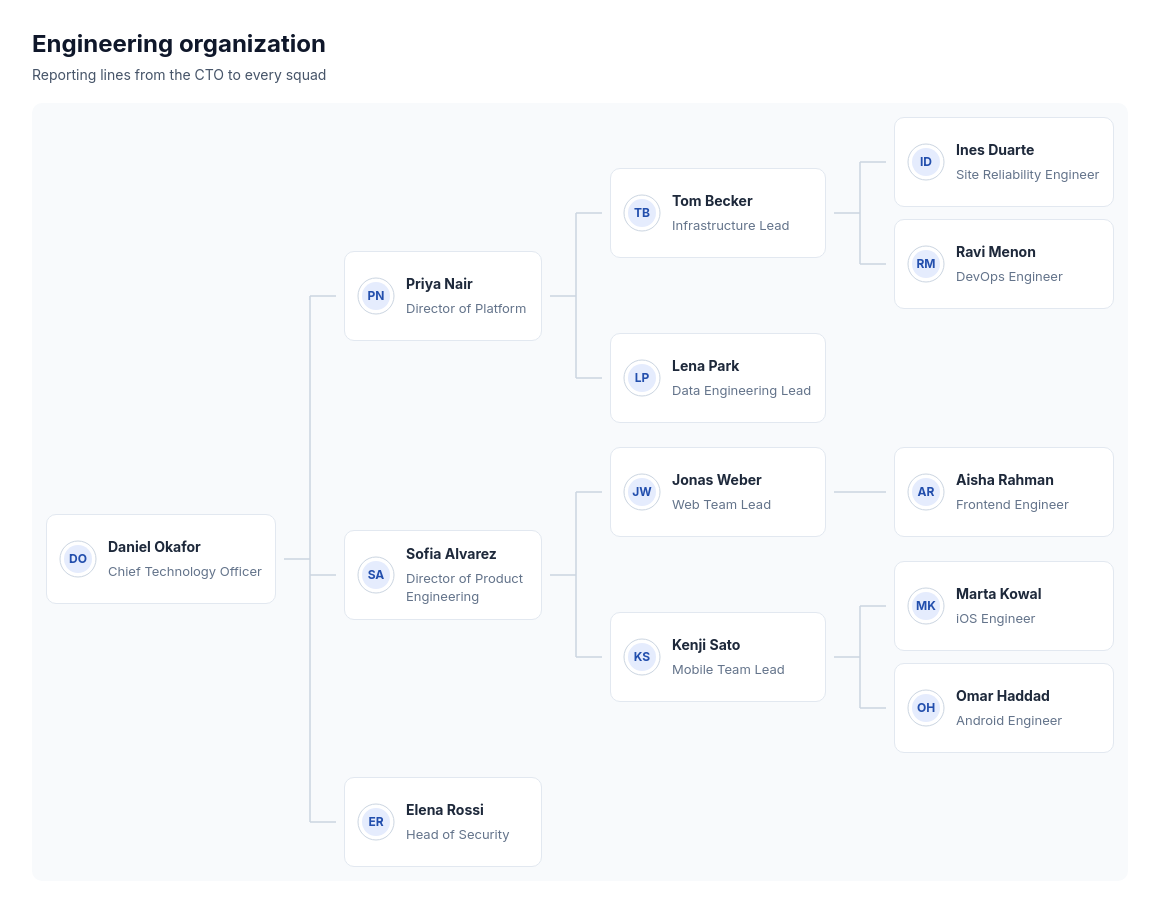 Org chart: left to rightA reporting hierarchy of three to twenty people over up to four levels, with at most six direct reports each, such as a company down to its team leads or a department down to individual contributors, with or without names.
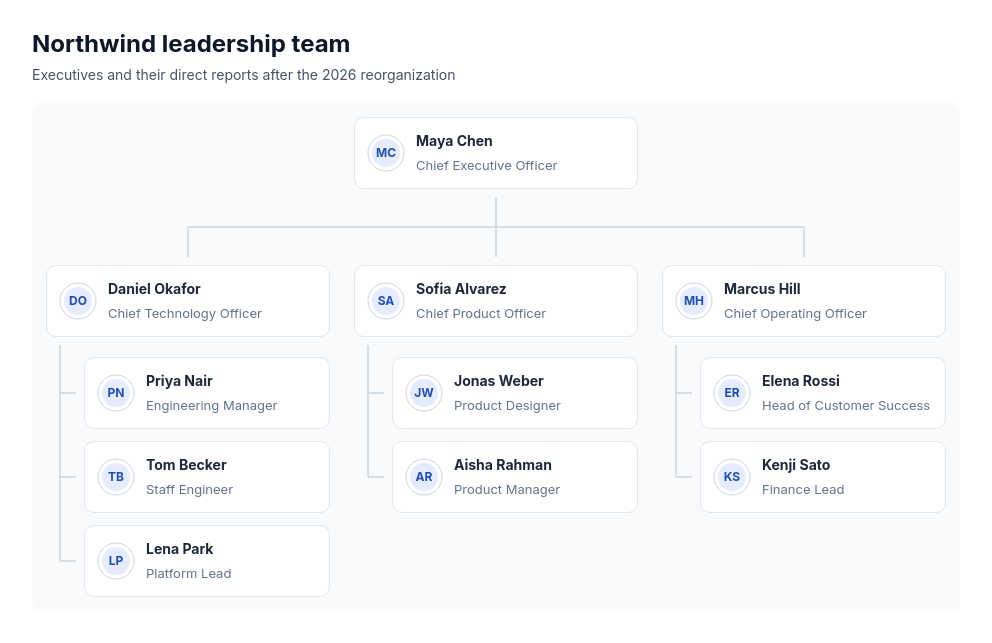 Org chart: top-downThree to fifteen people over up to three reporting levels, with two to five direct reports to the leader and up to five reports per manager.
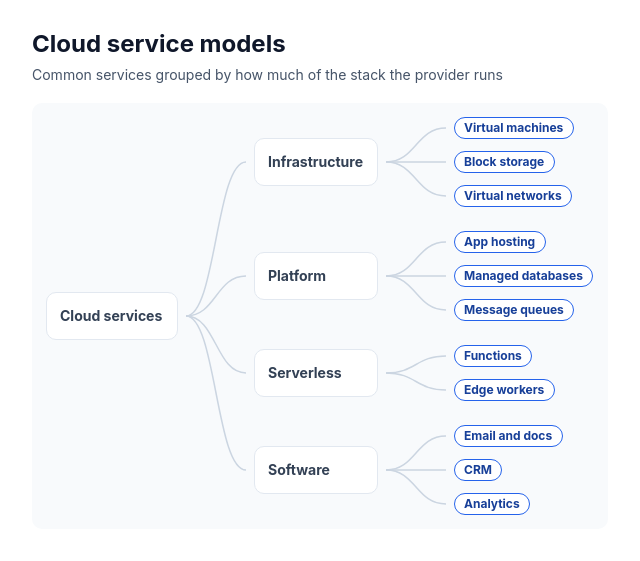 TreeA classification of four to thirty concepts under two to six root branches over up to four levels, such as a product catalog, content taxonomy or platform service catalog.