Diagram template
Pros and cons
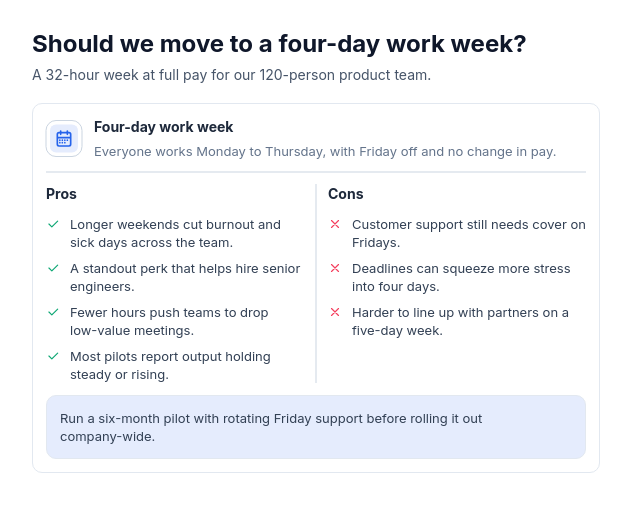
ProOne panel: the subject's icon, name, and summary across the top, then pros with check marks and cons with cross marks in two columns split by a quiet rule, and an optional verdict in a tinted band at the foot.
Categories
Included in
Pro, Power, Max
When to use it
Use to weigh one decision, product, approach, or choice by its advantages and drawbacks, with two to five of each and optionally a one-line verdict. Not for contrasting two or more options side by side, processes, timelines, or plain lists.
Adjust after generating
Change the style, colors, and font, and these options, as often as you like without spending credits.
- Card shape
- Card border
- Card shadow
- Typography
- Icon shape
- Icon size
- Icon fill
- Icon shell
- Spacing
- Alignment
- Material
What you fill in
Describe your topic in plain words and the AI fills these in. You can edit every field afterwards.
- Subject
- Name, icon, and optional description
- Pros label
- Text
- Cons label
- Text
- Pros
- 2 to 5
- Cons
- 2 to 5
- Verdict
- Text
Related templates
All comparison templates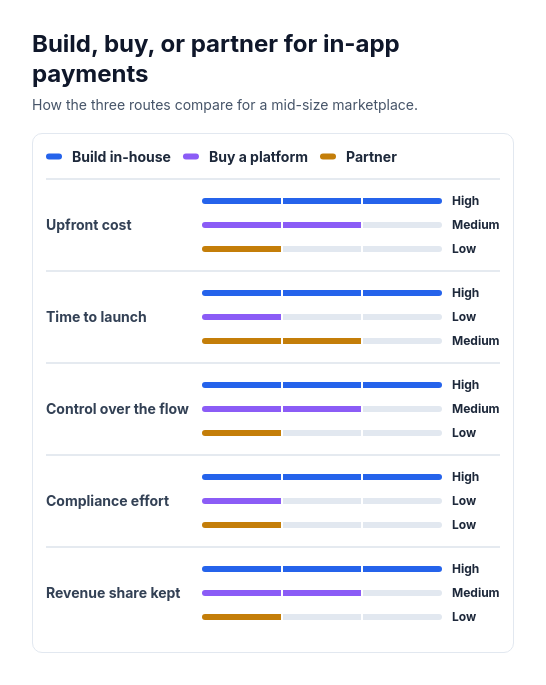 Attribute barsCompare two or three options across three to six attributes that can be scored or rated low, medium, or high, such as cost, speed, and effort.
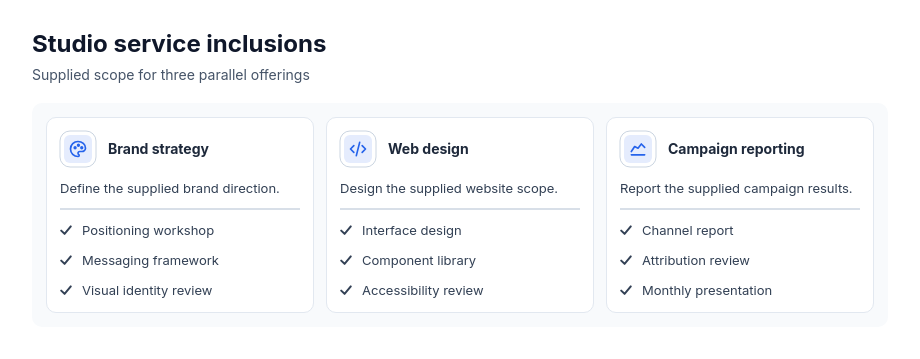 Cards: service icon headersParallel services, offerings, practice areas or modules with explicit included points.
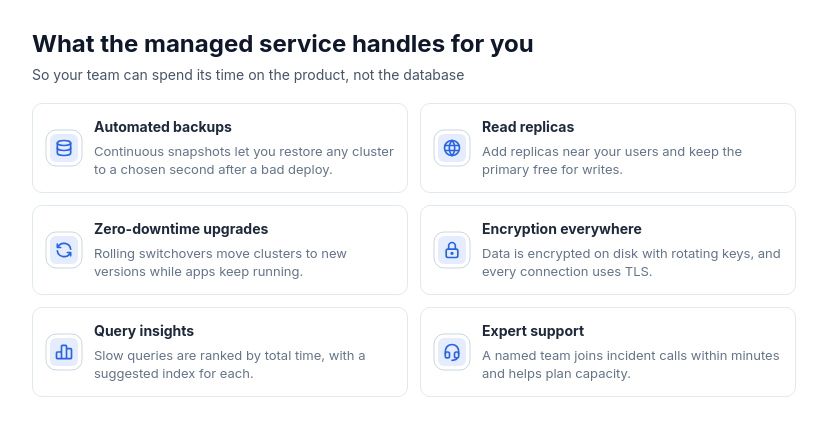 Cards: wide rowsTwo to eight parallel features, benefits, services, use cases, or principles that each need a sentence or two of explanation.
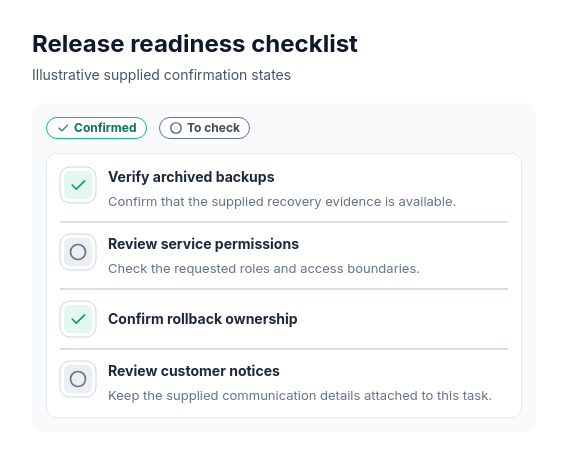 ChecklistTasks to check or confirm.
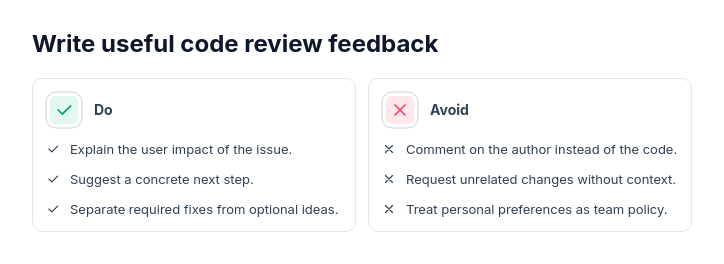 Do and don'tPrescriptive guidance with 2–6 actions per side.
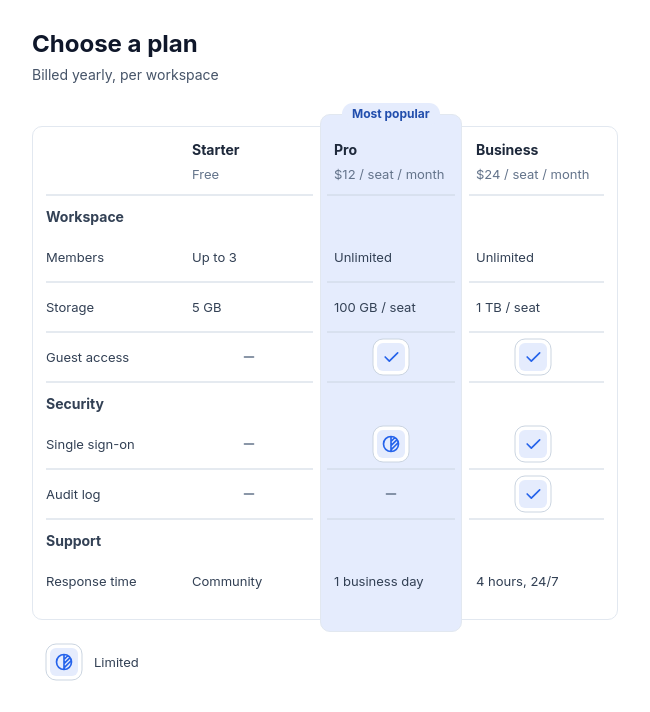 Feature tableCompare two to four plans, products, or tools feature by feature, with three to twelve rows in up to four labelled groups, and optionally one recommended option.