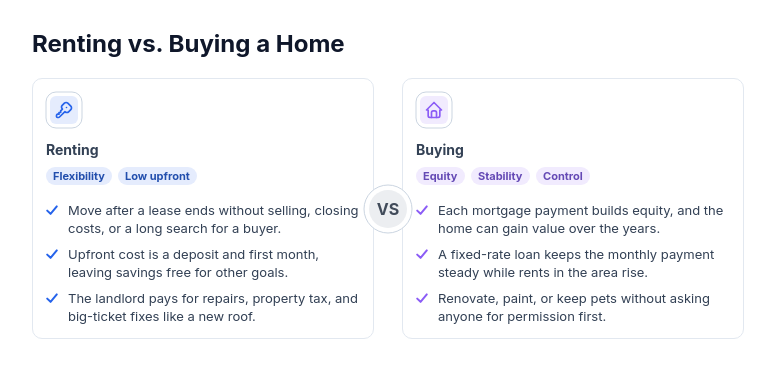
Diagram template
Versus: top-center icon
Two cards side by side, each tinted with its accent color, with the icon centered at the top, then the name, traits, and checked points, joined by a VS badge.
Categories
Included in
Free, Pro, Power, Max
When to use it
Use for a contrast between exactly two options, such as two products, approaches, or plans. Not for processes, timelines, or three or more options.
Adjust after generating
Change the style, colors, and font, and these options, as often as you like without spending credits.
- Card shape
- Card fill
- Color distribution
- Card border
- Card shadow
- Typography
- Icon shape
- Icon size
- Icon fill
- Icon shell
- Spacing
- Alignment
- Material
What you fill in
Describe your topic in plain words and the AI fills these in. You can edit every field afterwards.
- Sides
- Exactly 2, each with name, icon, optional traits, and points
Related templates
All comparison templates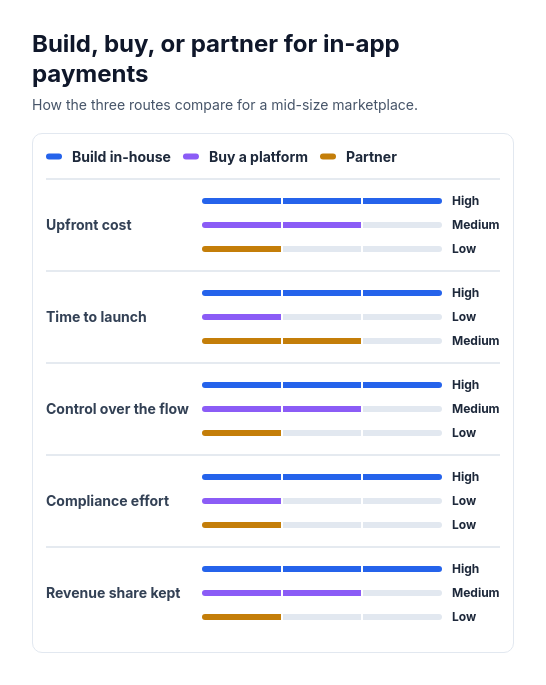 Attribute barsCompare two or three options across three to six attributes that can be scored or rated low, medium, or high, such as cost, speed, and effort.
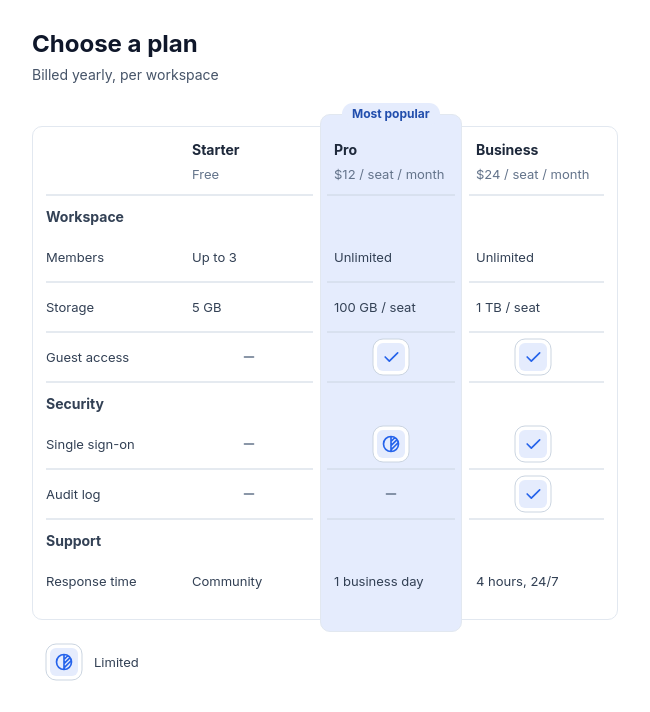 Feature tableCompare two to four plans, products, or tools feature by feature, with three to twelve rows in up to four labelled groups, and optionally one recommended option.
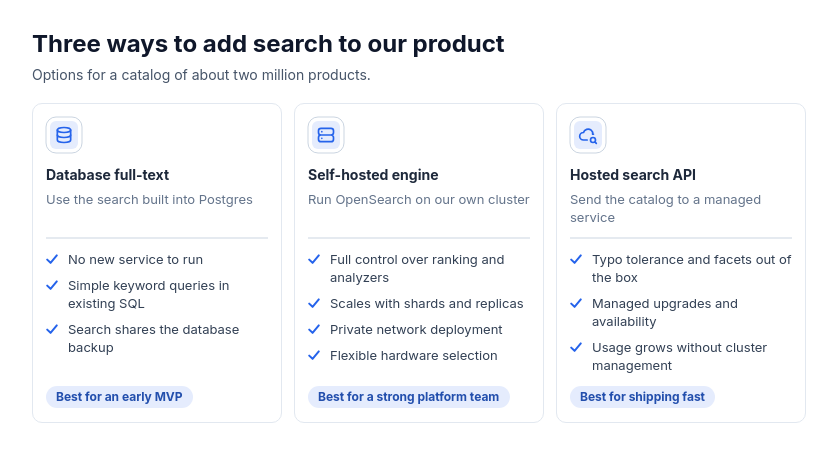 Option cardsChoosing between approaches, tools, plans, or vendors with independent strengths and optional audience guidance.
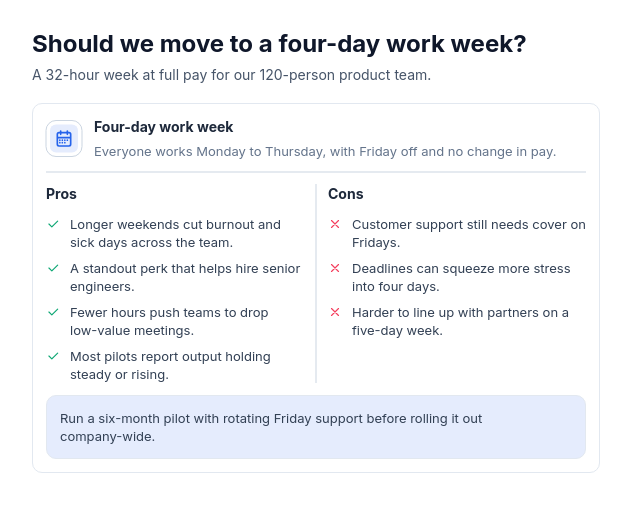 Pros and consWeigh one decision, product, approach, or choice by its advantages and drawbacks, with two to five of each and optionally a one-line verdict.
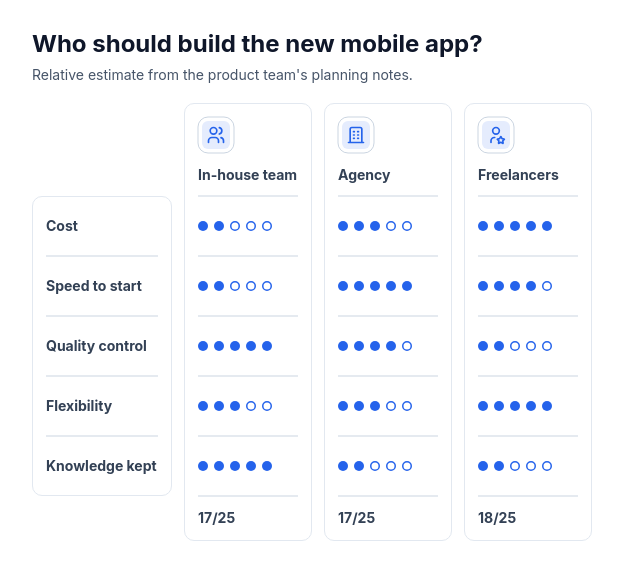 Scorecard: option column cardsCompare two or three options using supplied whole-number ratings from one to five across three to six criteria.
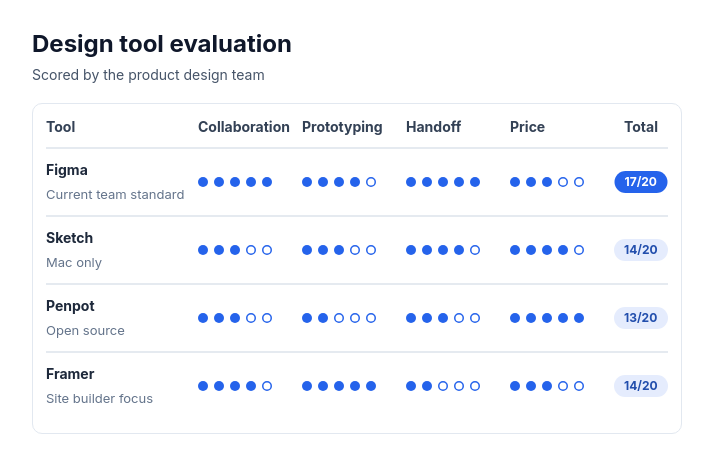 Scorecard: candidate rowsTwo to eight options, vendors, candidates, or ideas rated on the same two to five criteria with whole-number scores out of three to five.